Fetch
Best pickScan any receipt. A good first app for teens, beginners, and adults.
Tap the code. It copies.
How Fetch works
Swipe the pictures. One step at a time.
Swipe, or use the arrows.
- 1

Download and sign up
Get the free app. It is 13 or older, so it works for teenagers, and it is fine for adults too. United States only. Enter our code before you scan anything. The bonus points show up on your first receipt.
- 2
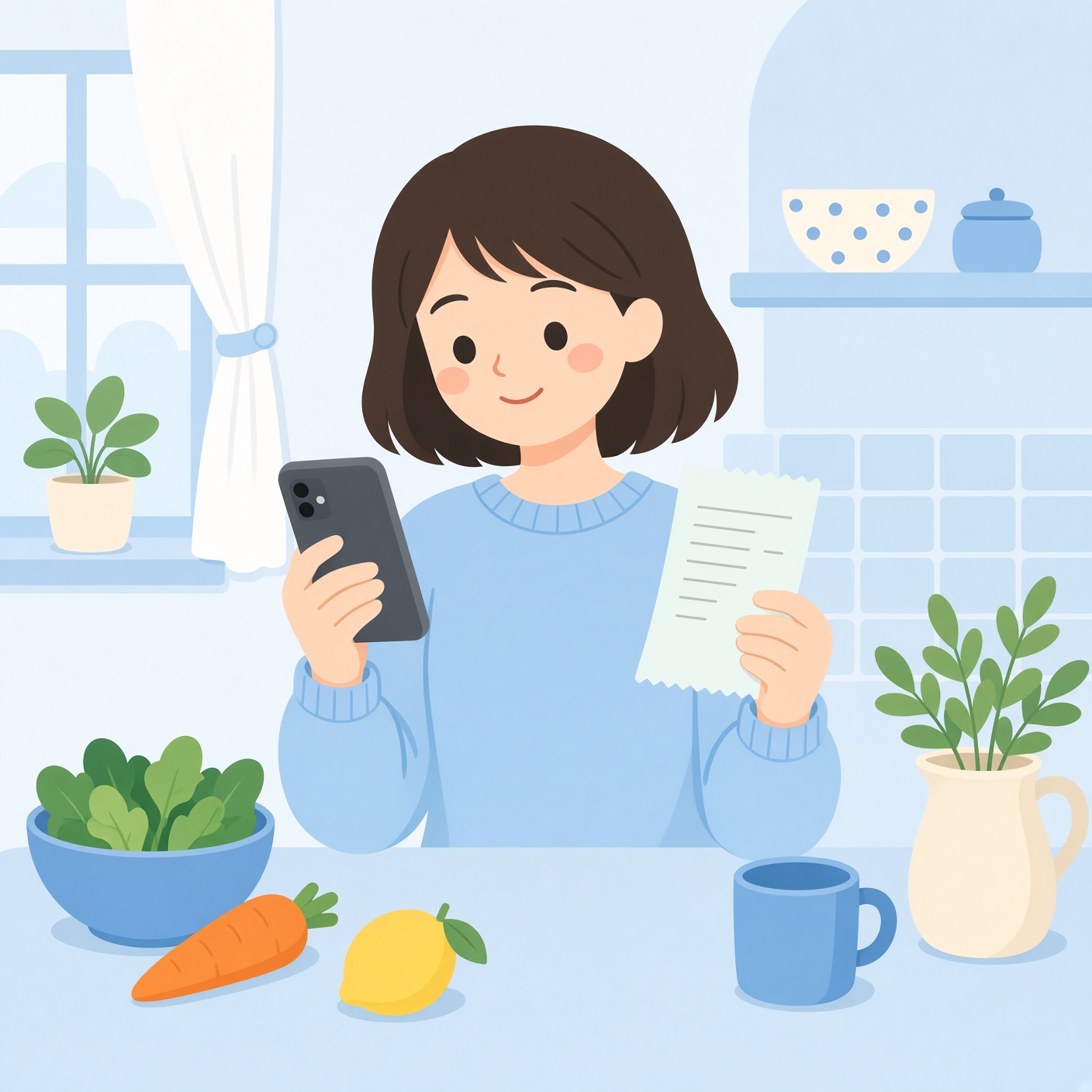
Scan a real paper receipt
Lay it flat, in good light. The store name, the date, and the total have to show. Scan within 14 days. You can send about 35 receipts in 7 days.
- 3
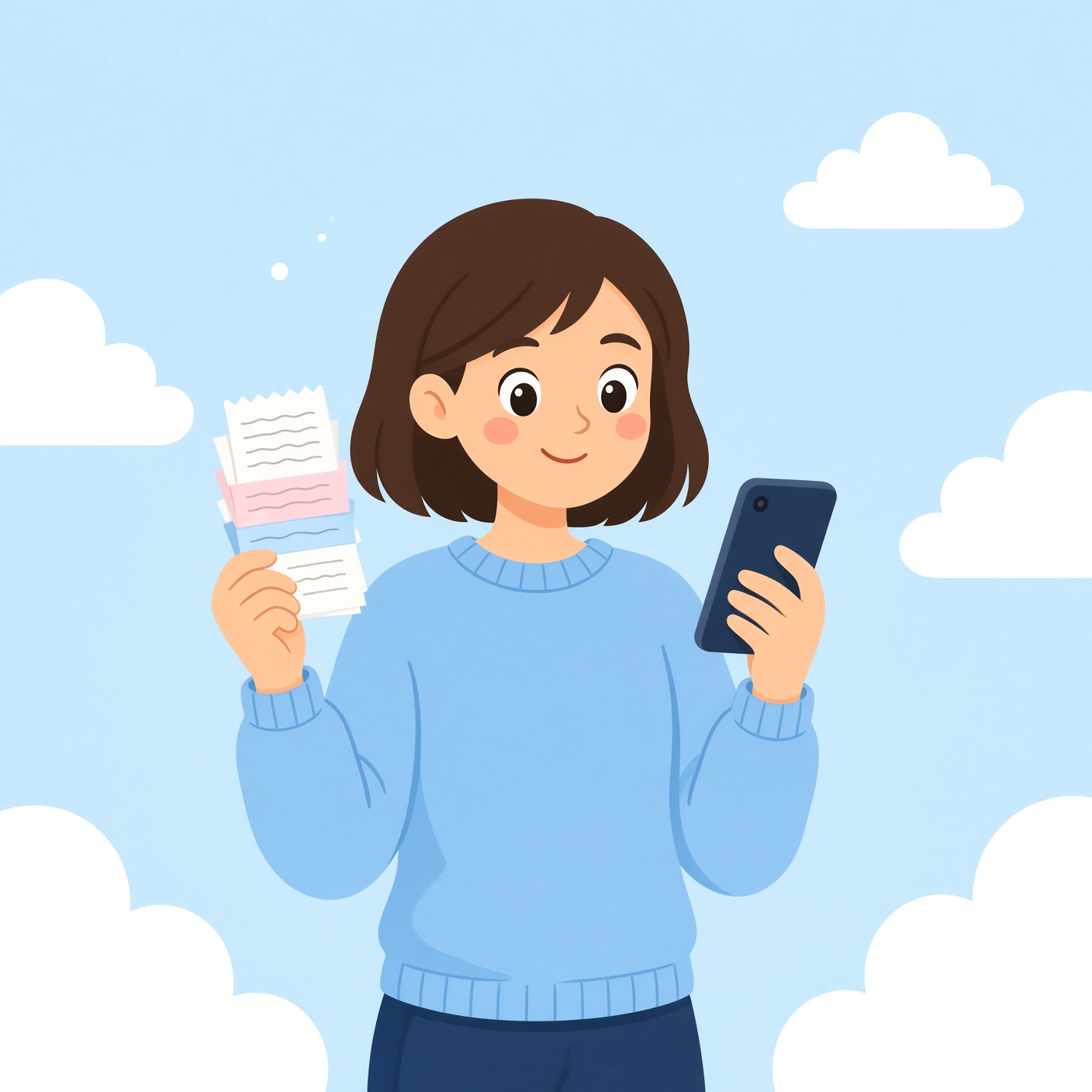
Almost any receipt counts
A real receipt from your house counts, including one from a parent after they shop. Gas, a restaurant, a drugstore, groceries. The same grocery receipt can go here after Ibotta. You can also play games in the app for points. That part is optional.
- 4

Cash out a gift card
That is the whole job: scan, refer a friend who scans, or play a game. Then cash out. You do not need a bank. Pick a gift card. Most start at 3,000 points. A $10 card is there from the start. After you redeem one $10, $25, or $50 card, $3 and $5 cards open up. The virtual card usually hits your email in about 72 hours.
Simple pictures of the steps. Not screenshots from Fetch.
Tips that still follow the rules
- Enter our code before the first scan. After that receipt, the code will not attach. If you skipped it, open Profile, then Refer a friend, and enter it before you scan.
- This is a good first app for a teenager, a beginner, or an adult. Scan receipts. Refer friends who are 13 or older. They sign up, enter a code, and scan once. You can get about $2 to $10. It changes by the day. Games in the app are extra points, not required.
- A real receipt from your house counts, like the one after a parent shops. A fake receipt, or one you found, can close the account.
- Pair it with a sale. If the item is already cheaper, the points are a bonus on money you were going to spend.
- Do not photograph a screen or a printed email. Connect email in the app for online orders. Skip return slips, utility bills, medical bills, movie tickets, and airline tickets.
- You do not need a bank to cash out. Pick a gift card. Most start at 3,000 points. $10 is available first. After one bigger card, $3 and $5 cards show up. The virtual card usually arrives by email in about 72 hours.
- Points can expire after 90 days with no scans and no gift-card redemption. One real receipt resets that.
- On Facebook, type Fetch plus your store or your city. People post which receipts and special offers are paying near you.
The rules
- How old
- 13 or older
- What country
- United States
- How you get paid
- Gift cards only
- How fast
- The virtual gift card usually hits email in about 72 hours. Scan within 14 days.
- How much to cash out
- No bank needed. Most cards start at 3,000 points. $10 first. $3 and $5 after one bigger card.
- ID or phone?
- No ID. Just the app on a phone.
- What you get
- Points on receipts, games, or a friend who scans. Then a gift card.
- What you must do
- Enter SMARTMONEY before the first receipt, then scan one real receipt
If you invite a friend
- What you get paid
- About $2 to $10. The amount changes by the day.
- What they must do
- Enter your code before their first receipt, then scan one. Age 13 or older.
- When you get it
- After their receipt counts
Do this
- 01Download Fetch.
- 02Type code SMARTMONEY before the first scan. After that, the code will not work.
- 03Lay the receipt flat, in good light. Include the store, the date, and the total.
- 04Scan within 14 days. About 35 receipts per 7 days.
- 05The same grocery receipt can go in Fetch after Ibotta.
- 06Gift cards only. Points can expire after 90 days with no scans.
Good parts
- Almost any receipt works
- Easier friend bonus than Ibotta
- Good for teens, beginners, and adults
- Free
Watch out
- Gift cards only. Not PayPal.
- A fake receipt, or one you found, can close the account. A real household receipt is fine.
- The friend bonus changes by the day.
This button is our link. If a code is shown, type it. We may get a bonus. You do not pay extra. The company can change the bonus.